A design system is a shared set of decisions, written down and built into code, so a product looks and behaves consistently as it grows. It is not a folder of screens and it is not just a component library.
What it includes
- Design tokens: colours, spacing, type, and motion values, defined once.
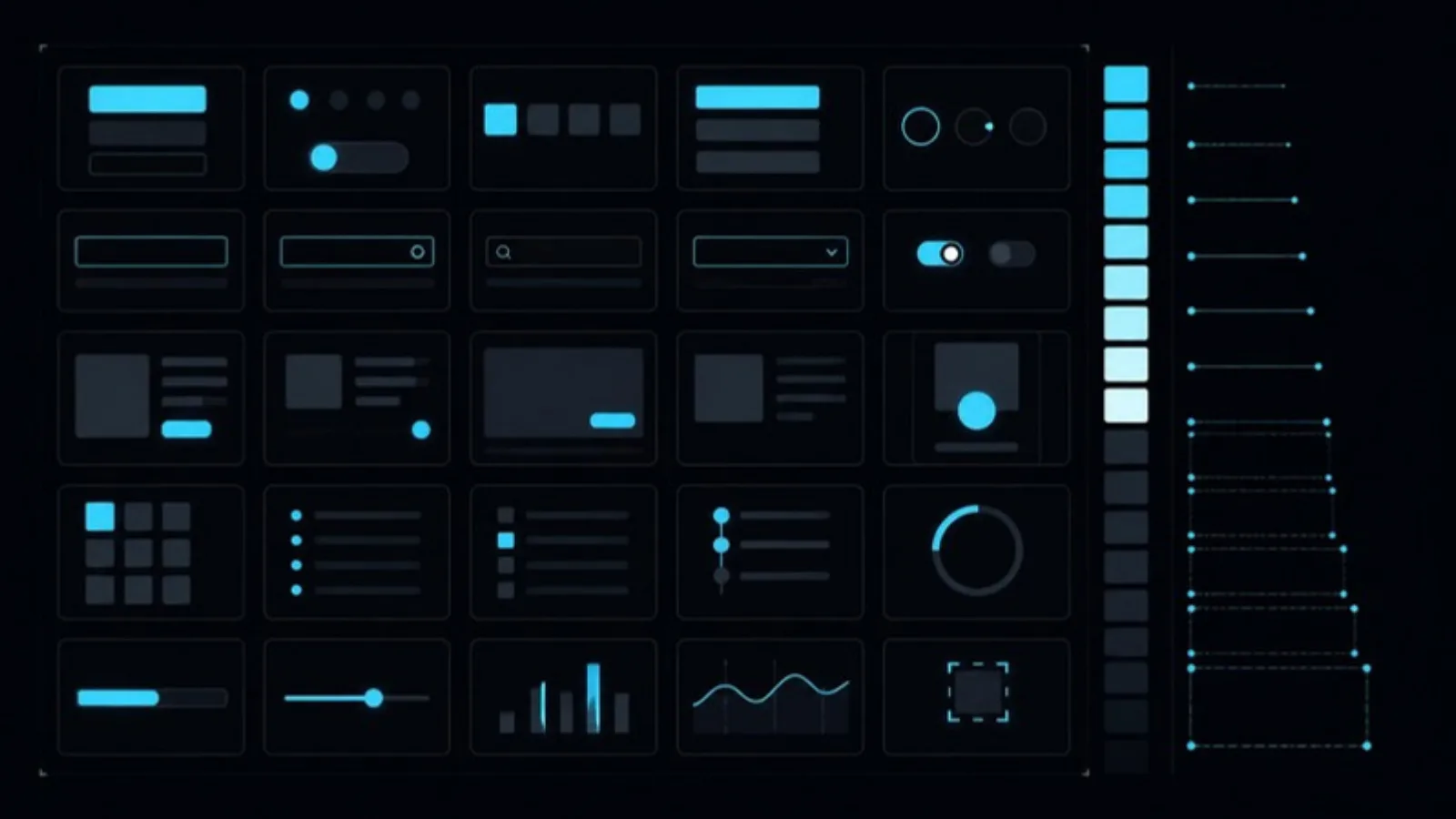
- Components: buttons, inputs, tables, and modals, with every state documented.
- Patterns: how forms, errors, empty states, and navigation behave.
- Guidelines: accessibility rules, content tone, and when not to use a component.
- Code: the same components in your framework, kept in step with design.
Signs you need one
- Two screens show the same action with different buttons.
- Designers and engineers argue about spacing in review.
- New features take longer because every screen is built from scratch.
- Accessibility fixes must be repeated across many places.
- You are adding a mobile app or second product and need consistency.
Signs you do not need one yet
- A single small product with one designer and one engineer.
- You are still validating the idea. A prototype is enough.
Build it without stalling delivery
- Start from the product. Audit the screens you already have and extract what repeats.
- Ship a small core first: tokens, buttons, inputs, and typography.
- Grow it with real features. Add components when a feature needs them.
- Document states, not just the happy path.
- Keep design and code in sync with tools like Figma tokens and Storybook.
Why it pays off
Consistency builds trust, especially in fintech and healthcare, where an odd-looking screen can feel unsafe. It also lowers cost: engineers reuse instead of rebuild. Our note on designing for trust in fintech dashboards shows this in practice.
FAQ
How long does it take? A useful core can be ready in a few weeks. A full system matures over months.
Who owns it? A design lead and an engineer together. A system owned by only one side drifts.
Our product design team builds design systems alongside the engineering that ships them. Get in touch to talk scope.